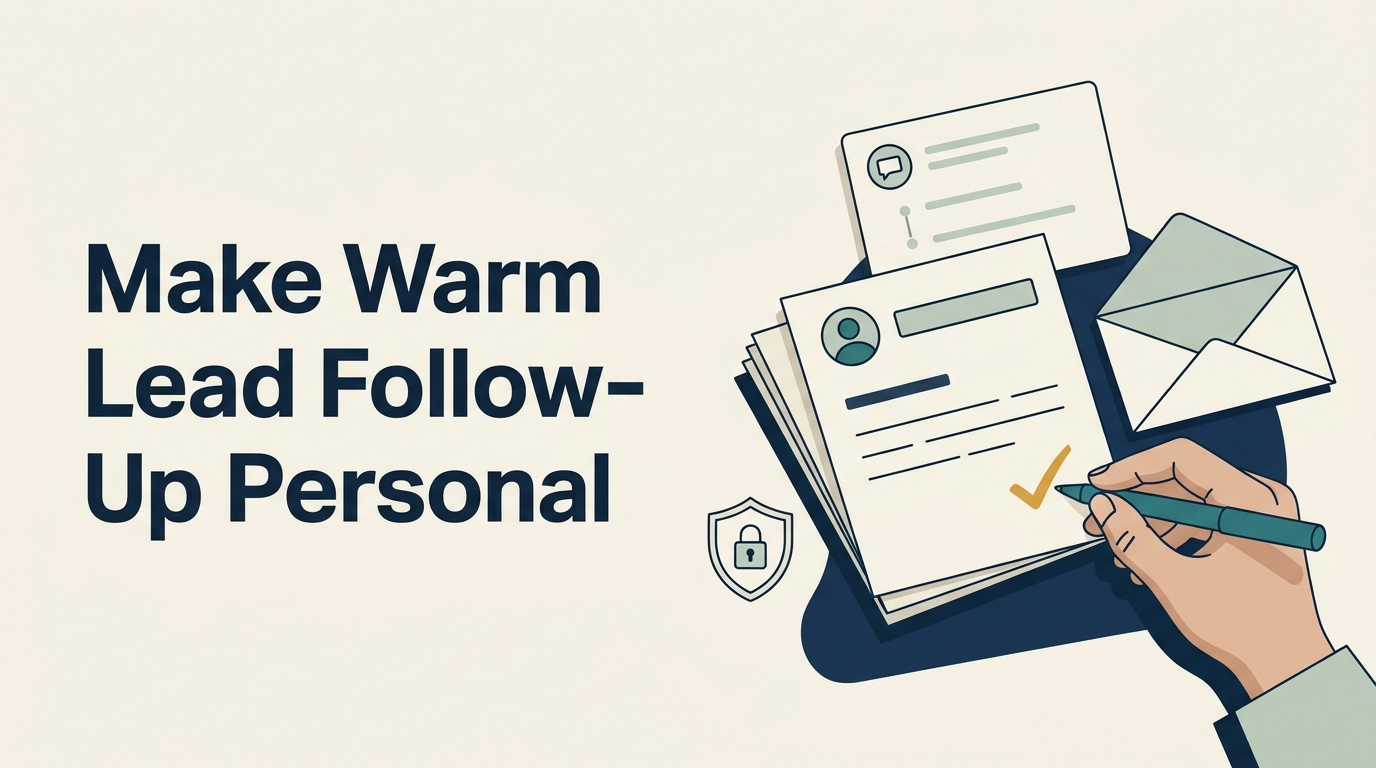
Ten Personal Emails a Day: A Better Plan for Warm Leads
“Why do our marketing emails land in the Promotions tab or spam no matter how good the copy is?”
You have warm leads, a high-ticket offer, and limited time. Rewriting another campaign feels frustrating when the people you want to reach still aren’t responding.
The short answer
Copy alone cannot determine inbox placement: authentication, sender reputation, recipient feedback, and message type also matter. For warm, high-value B2B leads, test small batches of relevant, human-reviewed emails from an individual mailbox while keeping newsletters in your marketing platform. AI can prepare those drafts without permission to write to or send from your company’s mailboxes.
Why better copy doesn’t solve the whole problem
Start by separating Promotions from spam. Gmail describes Promotions as an inbox category for deals, offers, and promotional emails. Landing there is different from being sent to spam.
A marketing platform remains useful for newsletters and campaigns. But moving a sales follow-up into a campaign template doesn’t make it a personal conversation, even when you add the recipient’s first name.
Google’s sender guidance also addresses authentication, sending infrastructure, spam complaints, and unsubscribe requirements. That means your email setup deserves attention alongside your writing.
A platform’s server or an unsubscribe footer alone does not prove why a message was filtered. Keep required unsubscribe mechanisms. Moving to a personal mailbox also gives you no guarantee of Primary-tab placement or replies.
For a founder with a small, well-qualified list, the useful question is: which people have a real reason to hear from you individually?
A practical personal email outreach routine
- Start with your best-graded leads.
Review fit, prior conversations, expressed needs, and the next step recorded in your CRM. Use a relevant click as context to investigate, not proof that someone is ready to buy. Prioritize people whose needs you understand and whose follow-up is appropriate.
- Give AI a short, approved context brief.
Include the relevant conversation, the business problem, and a useful next step. Add light research from public business information when it helps. Share only information your company permits the tool to process. Ask it to flag missing facts and never invent familiarity, promises, or past discussions.
- Prepare about 20 complete drafts.
Have AI return the recipient, subject line, and body for each email. Treat this as a manageable starting batch, not a proven performance formula. Every draft should explain why you are contacting that person now and ask for one clear response.
- Have a person edit and send roughly 10 a day.
Check the address, factual details, tone, and relevance before sending from the appropriate individual mailbox. Cut generic compliments and anything the sender would never say. Ten is a suggested working pace, not a deliverability threshold. Adjust it to the team’s ability to review and handle replies.
- Record what happens.
Log replies, qualified conversations, agreed next steps, and requests to stop contact. Keep newsletters in the marketing platform. Evaluate the personal outreach by the sales conversations it creates and the time it takes, rather than assuming that a smaller send count proves success.
For a hypothetical professional-services firm, a useful email might revisit a planning question from an earlier conversation and ask whether the timing has changed. The CRM history should supply the reason for reaching out. AI should help express it clearly.
Is it safe to connect AI to company email?
Review the exact access request before approving it. “Connect email” does not tell you which mailboxes an application can reach or what it can do inside them.
Some cloud email permissions can apply across an organization. Microsoft’s documentation, for example, distinguishes delegated permissions from application permissions and describes ways to restrict application access to specific mailboxes. The actual permission type and scope matter.
Ask your administrator which mailboxes the app can access, whether it can read, change, delete, or send messages, and how that access can be restricted and revoked.
For the workflow above, begin without mailbox write access. Give AI approved context, have it produce complete drafts, then let a person paste, review, and send them.
A dedicated sales mailbox is another option, provided the app’s permissions are actually restricted to it. Creating a separate address does not itself establish that boundary. Read access also deserves scrutiny because it can expose sensitive information.
Consider automation only after an administrator verifies the boundaries and the team agrees on review, data handling, and responsibility.
Common mistake: treating personalization as a filter workaround
Don’t disguise a bulk campaign as personal correspondence or remove required opt-outs to try to reach a different tab. Preserve your suppression records and respect requests to stop contact across workflows.
The practical goal is a relevant exchange with someone who has a reason to hear from you. A small batch gives your team room to check that relevance before each message leaves.
Talk to Goalpost Group about CRM outreach, email strategy, lead grading, and AI-assisted sales workflows for your team.
Frequently asked questions
Will 10 personal emails outperform 1,000 bulk sends?
There is no verified performance comparison here. Test a small batch with your strongest warm leads and measure qualified replies, next steps, and effort.
Should we stop sending newsletters?
Keep newsletters in your marketing platform. Use individual follow-up when the relationship, context, and next step justify a personal message.
Does AI need mailbox write access to help with outreach?
No. AI can prepare recipient details, subject lines, and message bodies from approved context. A person can review, paste, and send without connecting the tool to email.